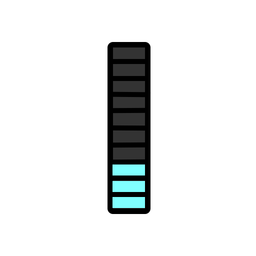
 Eye Monitor
Background
A few months ago, I noticed that I often worked at my computer for hours at a time, leaving my eyes and lower back uncomfortable. Since I had not bought an Apple Watch, Xiaomi band, or another wearable with sedentary reminders, I wanted to solve the problem through software.
A quick search in the Mac App Store showed that most health apps required me to set a duration manually, start the timer manually, and wait for a reminder when the time was up. The process was rather cumbersome and lacked flexibility.
What’s more, our breaks at work are not fixed. They tend to be flexible and spontaneous, making it difficult to decide in advance how long we will work continuously.
Here is a typical example: after working continuously for 35 minutes, you get up for a five-minute bathroom break, then return and continue working.
With a traditional reminder app, I might set a 45-minute sedentary reminder, manually pause the timer at the 35-minute mark, and resume it after returning to my desk from the bathroom.
But this solution does not make sense. We have taken a five-minute break in between, so when we return to work, the amount of time we can keep working should not be just 10 minutes (45 − 35), but more than 10 minutes.
The Solution
To address the inconvenience of manually setting and changing timers, unpredictable breaks at work, and the changing amount of time we can work continuously, I decided to write a more flexible, dynamic app myself. That is how Eye Monitor came into being.
As its name suggests, Eye Monitor monitors how we use our eyes, helping us keep track of and receive reminders about our eye-care habits and physical fatigue. It works in a simple way: it monitors mouse movement on the Mac to determine whether the user is working. If the user continues interacting with the computer, the fatigue value increases by +1 every minute. When it reaches 60 (after 60 minutes of continuous work), Eye Monitor displays a push notification to tell the user it is time for a break. If there is no mouse activity for a minute, the fatigue value automatically decreases by 6.
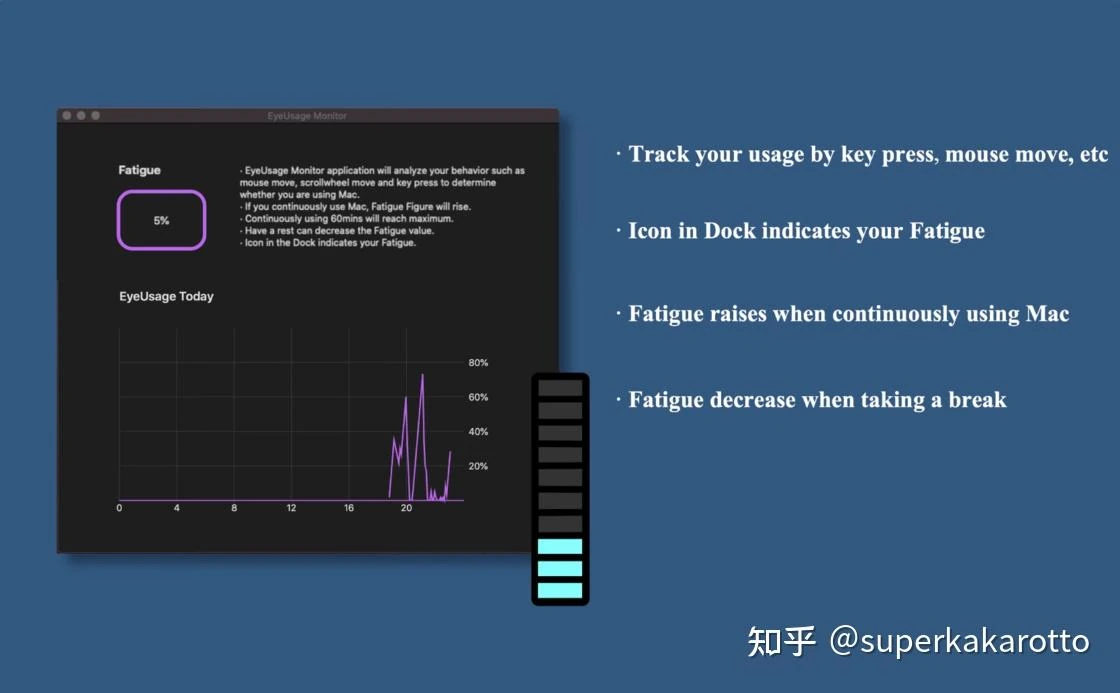
Eye Monitor also shows your current fatigue value through changes to its Dock icon. A quick glance at the icon’s color and fill level lets you see your current fatigue level and plan your breaks accordingly.
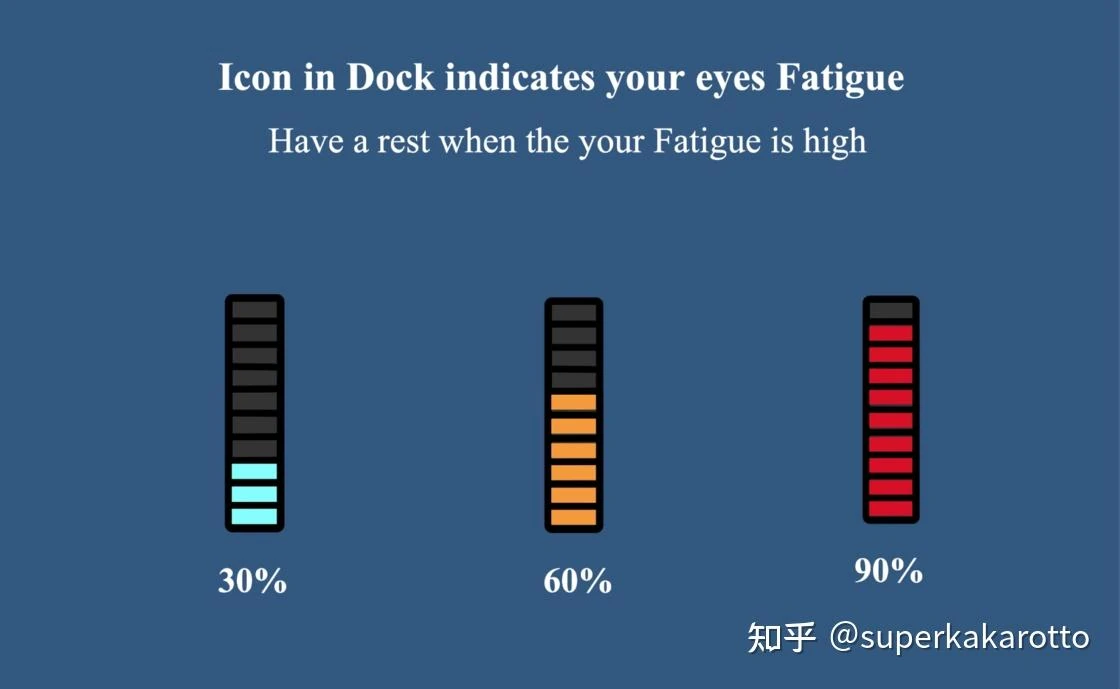

Back to the example at the beginning: “After working continuously for 35 minutes, you get up for a five-minute bathroom break, then return and continue working.”
With Eye Monitor, the app icon gradually changes from blue to yellow as your working time increases. After 35 minutes of continuous work, your fatigue value reaches 35. You then leave the computer for a five-minute bathroom break. Since you do not move the mouse during those five minutes, the fatigue value automatically drops by 5 × 6 = 30 points. When you return to your computer, Eye Monitor shows that you have recovered and can begin another period of work. The entire process requires no manual action.
Limitations
Of course, Eye Monitor has some limitations. In some working situations, there may be no mouse activity (monitoring keyboard activity requires additional permission), which can cause it to incorrectly assume that you have stepped away from the computer. The fatigue threshold cannot be customized either. Still, considering that I wrote it in just one month of spare time, these limitations are acceptable.
A Small Sense of Achievement
I have now been using Eye Monitor for several months. Every day, I frequently glance at that changing icon to keep track of the fatigue in my eyes and body (for instance, after working on this draft for a while, the indicator has already shot up to yellow). Sometimes, it is only when I see that glaring red icon that I realize how sore and strained my eyes have become. When I get completely absorbed in work, it also sends me a timely push notification.
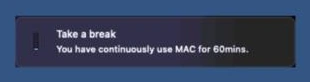
I have also recommended the app to some of my friends. When a push notification tells them to rest, some send me a screenshot and say it feels as though I am right there beside them reminding them—it feels thoughtful.
The app has been available on the App Store for several months now, and it has been consistently ranked among the top 30 health apps in China. It has also reached number one in its category in several countries overseas. Developing an app, particularly a health app, that solves my own problem while helping others work in a healthier way is a happy and fulfilling experience as a developer.
App Store link: https://apps.apple.com/cn/app/eye-monitor/id1527031341?mt=12
The WeChat public account “原住民的自修室” records a product manager’s thoughts and reflections. You are welcome to subscribe.
Further reading
Website edition updated