 Eye Monitor
Eye Monitor and LookAway are both polished, native Mac break reminders with custom backgrounds and iPhone companions. The real choice is not a checklist—it is how you want the app to behave between breaks.
Eye Monitor is better suited to people who want to see their current Mac usage, fatigue level and history throughout the day. LookAway is especially strong at automatically postponing breaks during calls, videos and other focused situations.
The short answer
Choose Eye Monitor if you want:
- An activity-based fatigue indicator that is always visible
- Full-screen, Mini and macOS notification reminders
- Today’s screen time, analysis and optional CSV export
- Dock and menu-bar indicators with color changes
- Mac reminders delivered to an iPhone or iPad
Choose LookAway if you want:
- Smart Pause for calls, videos, chosen apps and fullscreen games
- Short and long breaks with flexible skip rules
- Phone-side app and website restrictions during a Mac break
- Custom images, gradients, wallpapers and sounds
Activity visibility or automatic context detection?
Eye Monitor estimates Mac use from mouse, trackpad, keyboard and optional screen-change activity. The indicator rises during work and falls during rest, giving you a live sense of how far the current session has progressed. Smart mode can recognize time away from the computer; continuous timing is available when quiet reading would otherwise look like inactivity. The mode guide helps you choose between them.
LookAway’s Smart Pause focuses on the surrounding context. It can postpone a break when it detects a call, foreground video, selected app or fullscreen game. If your calendar is full of meetings and you want the reminder app to stay out of the way automatically, LookAway has the edge. Eye Monitor handles those moments with a manual pause, which is simpler but requires you to remember it.
How the reminder feels on the Mac
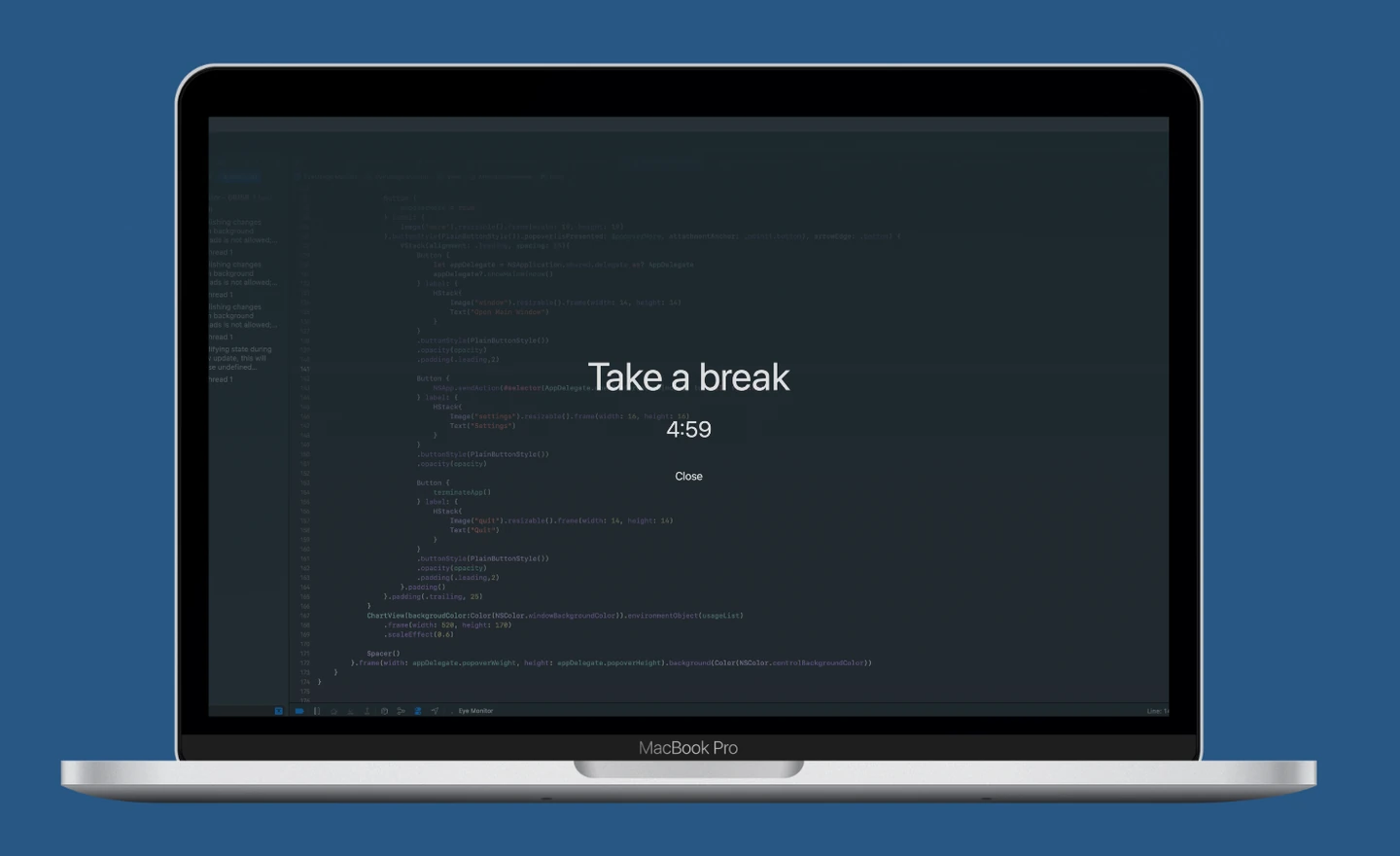
Eye Monitor offers three distinct levels of interruption. Full-screen mode creates a prominent countdown across connected displays. Mini mode gives you a small, movable window. Notification mode uses the standard macOS system presentation. A one-minute advance notice can give you time to save your work before the break begins.
LookAway uses a full-screen break experience with configurable short and long breaks, advance notice and skip behavior. Both apps live comfortably in the menu bar and both feel at home on macOS.
Eye Monitor adds more day-to-day status outside the break itself: its Dock icon follows the fatigue level, while the menu bar can show fatigue, today’s screen time and color thresholds. That makes it easier to notice a long day before the next popup arrives.
iPhone companion: notification or restriction?
Eye Monitor can send the Mac break reminder to your iPhone or iPad. This is useful when you leave the desk and immediately pick up another screen—the reminder follows the handoff without turning the phone into a separate timer.
LookAway Mirror goes further with app and website restrictions, notifications and Live Activities. Choose Eye Monitor if you mainly want the Mac reminder to remain visible on your phone. Choose LookAway if enforcing the break on the phone is part of the goal.
Backgrounds, history and price
Both apps support personal images. Eye Monitor lets you customize full-screen text and image backgrounds, while LookAway also offers wallpapers, gradients and custom sounds. Some Eye Monitor appearance and schedule controls require Pro.
Eye Monitor’s stronger differentiator here is history: it records screen time, shows a daily curve and provides longer analysis ranges on supported macOS versions. If you like reviewing how work and rest changed across the week, that data can make the reminders more useful over time.
Which one should you try?
Choose LookAway when automatic meeting/video handling and phone-side restrictions are your top priorities. Choose Eye Monitor when you want a more visible picture of Mac use, a choice between strong and lightweight reminders, screen-time history and a companion notification on iPhone.
If the Eye Monitor approach sounds right, start with the Mac setup guide or compare its three reminder styles.
Further reading
Links updated