 Eye Monitor
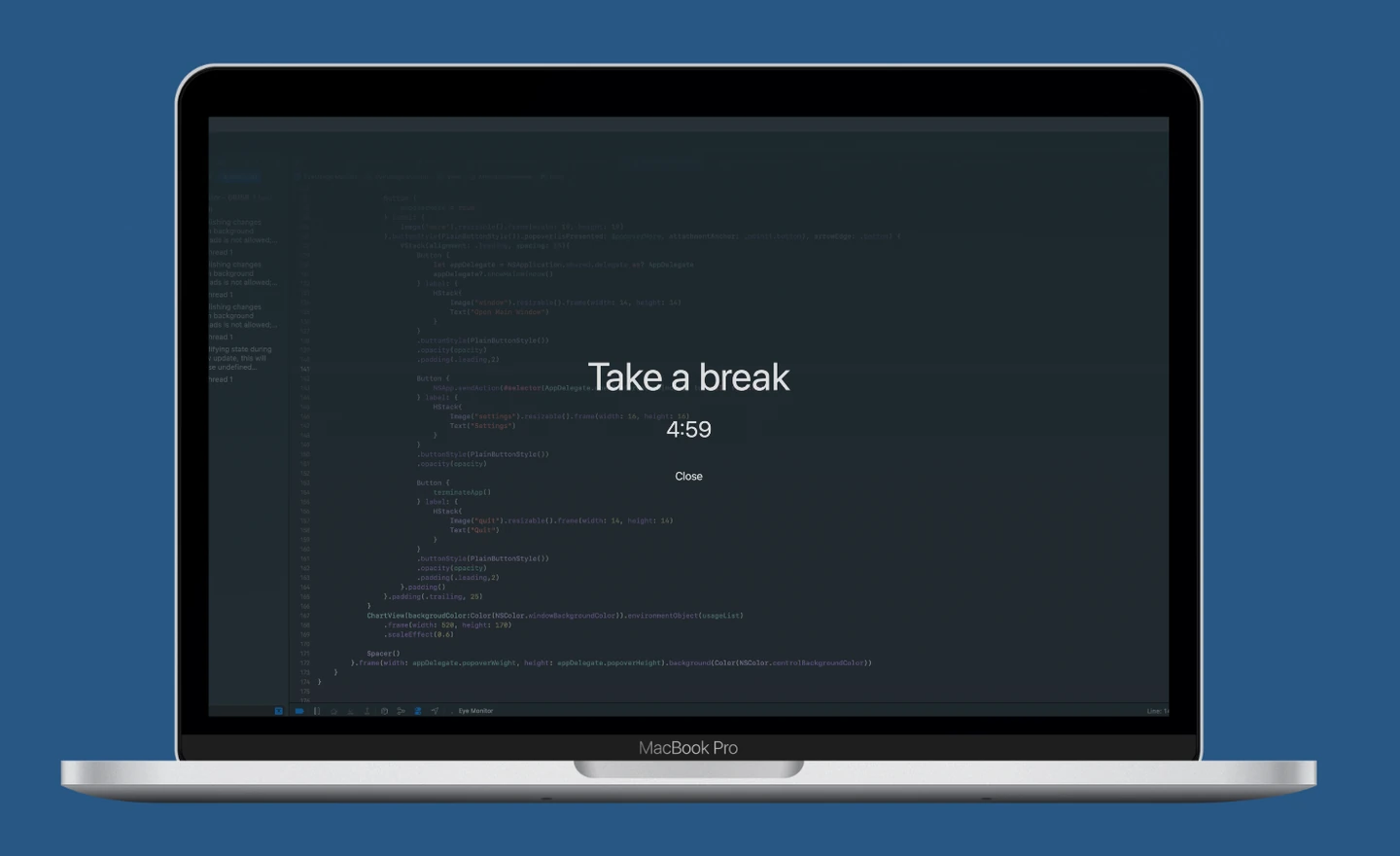
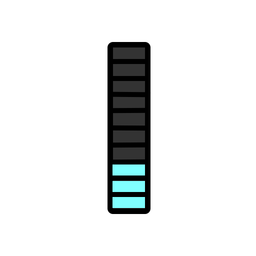
Eye Monitor and DeskRest both help you step away from a long Mac session, but they are built around different ideas. Eye Monitor keeps computer use visible with an activity-based fatigue indicator, three reminder styles, history and iPhone companion alerts. DeskRest combines breaks with posture prompts, exercises, Focus Sessions and a Clock Out routine.
For a focused Mac break reminder that is easy to read at a glance, start with Eye Monitor. For a broader collection of movement and workday routines, DeskRest may suit you better.
The short answer
Choose Eye Monitor if you want:
- Activity-aware or continuous timing
- Full-screen, Mini and system-notification reminders
- Dock and menu-bar indicators throughout the day
- Screen-time history and iPhone companion reminders
- Support starting with macOS 12
Choose DeskRest if you want:
- Short and long breaks with advance notifications
- Posture prompts and custom exercises
- Focus Sessions and a dedicated end-of-day Clock Out
- Automatic handling for some meetings, videos and Focus modes
Two different ways to manage interruptions
Eye Monitor’s Smart mode uses computer activity to estimate work and rest. When you leave the Mac, the fatigue indicator can recover automatically; when you return, you see the updated level in the Dock or menu bar. For reading and other low-input work, continuous timing is also available. This makes Eye Monitor particularly useful if you want to understand where you are in the current session before a reminder appears.
DeskRest puts more emphasis on context. Its pause and detection options can adapt around videos, meetings and Focus modes, while idle settings control when its timer pauses or resets. If automatic call handling is central to your day, DeskRest has the clearer advantage. Eye Monitor uses a simple manual pause for 30 minutes, one, two or six hours, or until tomorrow.
Reminder experience and personalization
Eye Monitor lets you choose how difficult the break is to miss. A full-screen countdown covers every connected display, the Mini popup stays compact and movable, and a macOS notification keeps the interruption light. You can add a one-minute advance notice, control how breaks may be skipped and personalize full-screen text and images.
DeskRest offers short and long breaks, advance alerts, a cursor timer and menu-bar controls. It also includes personalized backgrounds, sounds, themes and shortcuts. The biggest difference is what happens inside the routine: DeskRest can mix in custom exercises and posture prompts, while Eye Monitor stays focused on screen use, rest and a clear view of the current fatigue level.
Statistics and the iPhone companion
Eye Monitor records screen time and shows a daily activity curve, with longer analysis ranges and CSV export available through Pro. Its iPhone and iPad companion can receive break reminders from the Mac, so the prompt can remain visible after you leave the desk. It does not monitor phone use independently.
DeskRest offers its own statistics, but it stays on the Mac—there is no iPhone companion. If cross-device reminders are important, this is one of Eye Monitor’s most practical advantages.
Compatibility and price
Eye Monitor supports macOS 12 or later. DeskRest currently requires macOS 14.2 or later, which makes Eye Monitor the option for more older Macs. Both apps sell paid upgrades, so the exact feature you want may sit behind a purchase.
Which one should you try?
Choose DeskRest for posture prompts, exercises, automatic context handling and a defined end-of-workday ritual. Choose Eye Monitor for a cleaner screen-break workflow, a visible activity indicator, flexible reminder intensity, longer Mac compatibility and reminders that can follow you to your iPhone.
To see how Eye Monitor fits your routine, start with the mode guide and reminder styles.
Further reading
Links updated