 Eye Monitor
Stretchly is one of the best-known open-source break timers for macOS, Windows and Linux. Eye Monitor takes a more Mac-specific approach, combining activity-aware timing with visible usage indicators, history and reminders that can follow you to an iPhone or iPad.
Choose Stretchly when free, open-source and cross-platform are the deciding factors. Choose Eye Monitor when you want a break reminder that feels woven into the Mac and gives you a clearer picture of the workday.
The short answer
Choose Eye Monitor if you want:
- Smart timing that responds to activity and time away
- Full-screen, Mini and system-notification reminders
- Fatigue and screen-time indicators in the Dock and menu bar
- Usage history, analysis and iPhone companion reminders
- A signed Mac App Store installation
Choose Stretchly if you want:
- Free and open-source software
- macOS, Windows and Linux support
- Separate Mini and Long breaks
- Strict modes, postpone/skip controls and idle detection
Activity-aware progress or short-and-long break cycles?
Stretchly organizes the day around Mini and Long breaks. You can set their frequency and duration, receive an advance notification, postpone or skip them and use idle detection to account for natural time away from the computer. It is a familiar repeating schedule with plenty of controls.
Eye Monitor shows the work/rest cycle as a live fatigue percentage. Smart mode reads mouse, trackpad, keyboard and optional screen-change activity, allowing the value to rise during use and recover while you are away. This is useful when you want to know how the current session is progressing before a popup appears. For quiet reading or video, continuous timing is available as an alternative.
The percentage reflects your timing rules and activity signals rather than measuring your eyes. In practice, the question is simple: do you prefer a fixed sequence of small and large breaks, or a visible level that adapts as you work and rest?
Reminder styles and everyday visibility
Stretchly offers Mini and Long break windows, system notifications, tray-menu status, strict modes and Do Not Disturb handling. Its appearance options include colors, transparency and a blurred background on macOS.
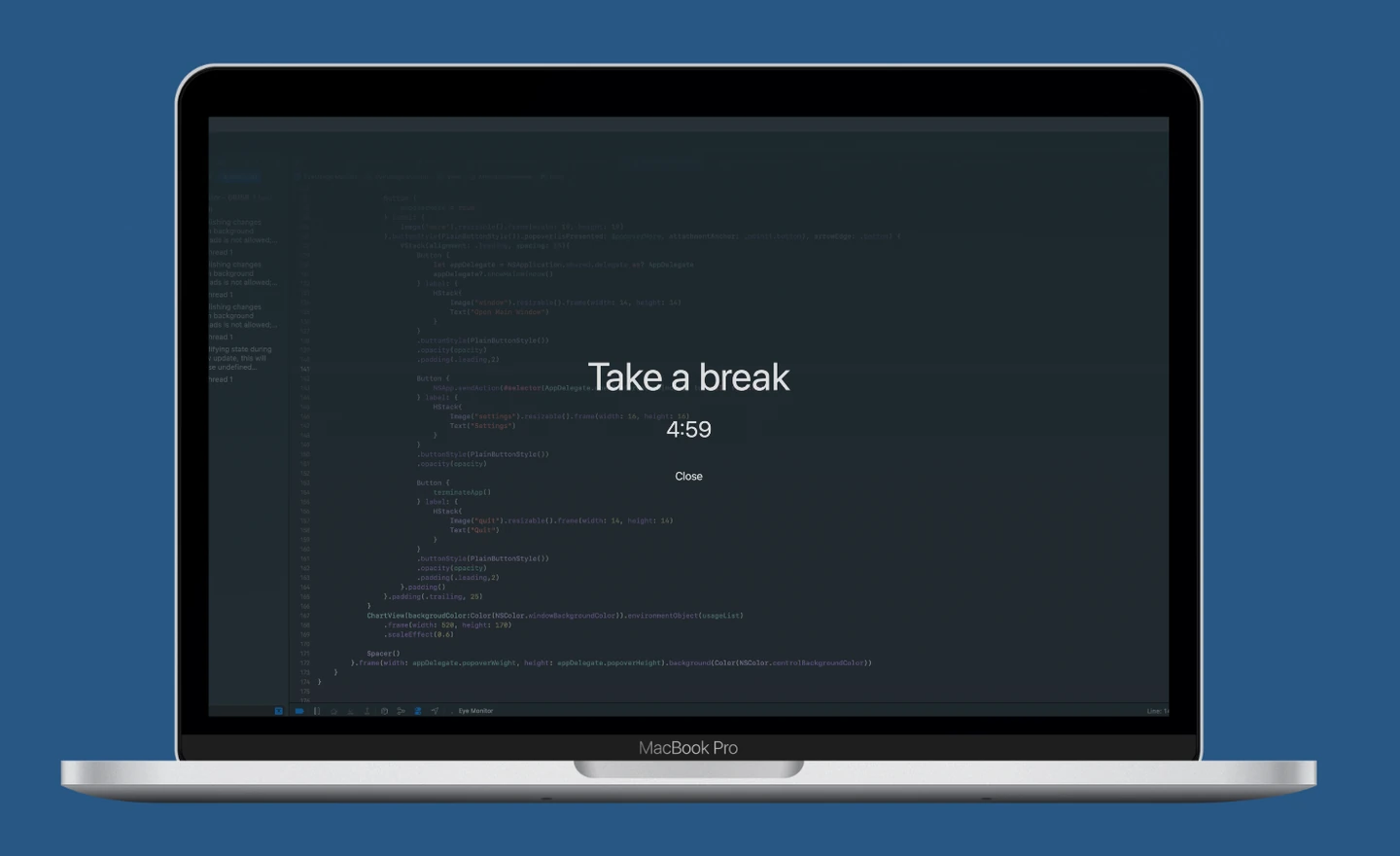
Eye Monitor lets you pick a full-screen countdown, a compact movable Mini popup or a standard macOS notification. Its advantage appears between reminders: the Dock icon changes with the fatigue level, and the menu bar can show the percentage, today’s screen time and orange/red time cues. If you tend to dismiss a timer and forget about it, having the current state always visible can make the app easier to use.
Eye Monitor also supports custom text and personal image backgrounds for full-screen breaks. Some appearance and schedule controls require Pro.
History, iPhone support and installation
Eye Monitor records screen time, shows a daily curve and offers longer analysis ranges plus CSV export through Pro. It can send Mac break reminders to an iPhone or iPad after setup. The phone app is a companion for Mac reminders rather than a separate phone-use timer.
Stretchly focuses on desktop platforms and does not offer the same iOS companion workflow. Its cross-platform Electron design is a benefit when you regularly switch between operating systems.
Both apps run on macOS 12 today, though Stretchly’s development branch already asks for macOS 13. Stretchly’s Mac download is unsigned, so the first launch may require extra steps in macOS. Eye Monitor installs normally through the Mac App Store.
Which one should you download?
Choose Stretchly for an open-source break routine you can carry across Mac, Windows and Linux. Choose Eye Monitor for deeper Mac integration, a choice of reminder intensity, visible screen-time progress, history and iPhone companion alerts.
If you want to see how Eye Monitor handles a real workday, read the smart vs continuous timing guide or explore its reminder styles.
Further reading
Links updated