A BREAK REMINDER FOR MAC
Make room
for a break.
Deep in your work? Eye Monitor keeps an eye on your computer time, so you remember to step away.
Download for Mac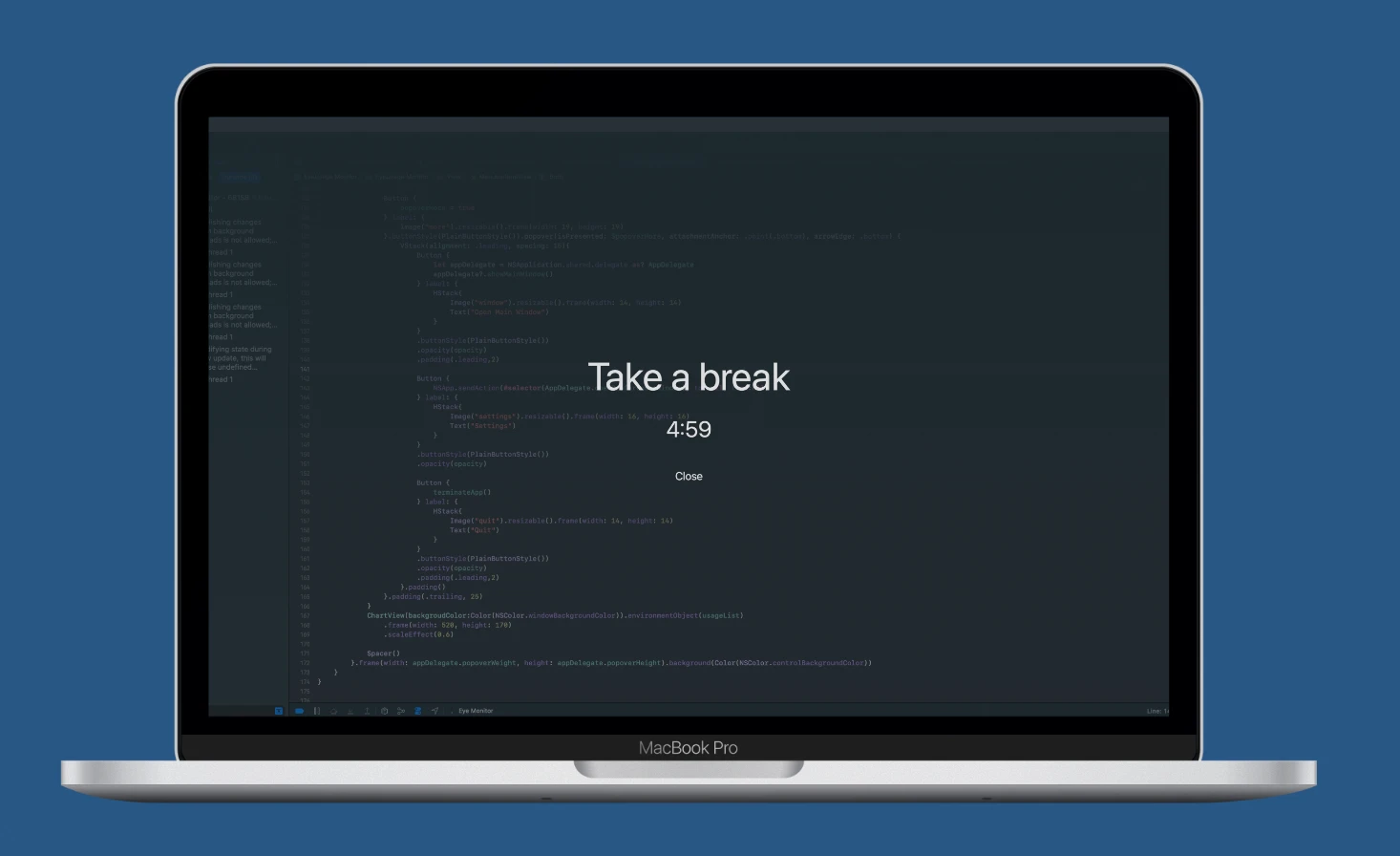
WORK. REST. REPEAT.
A little reminder.
A better daily rhythm.
For the moment “just five more minutes” turns into another hour. Eye Monitor makes your screen habits visible and your breaks easier to remember.
Your day, at a glance.
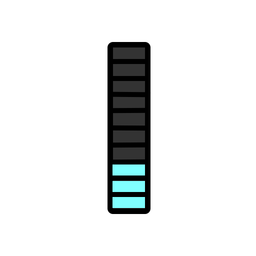
Keep today’s screen time and your current fatigue level in the menu bar. Optional color cues make a long Mac day easier to notice before the next reminder appears.
Explore this feature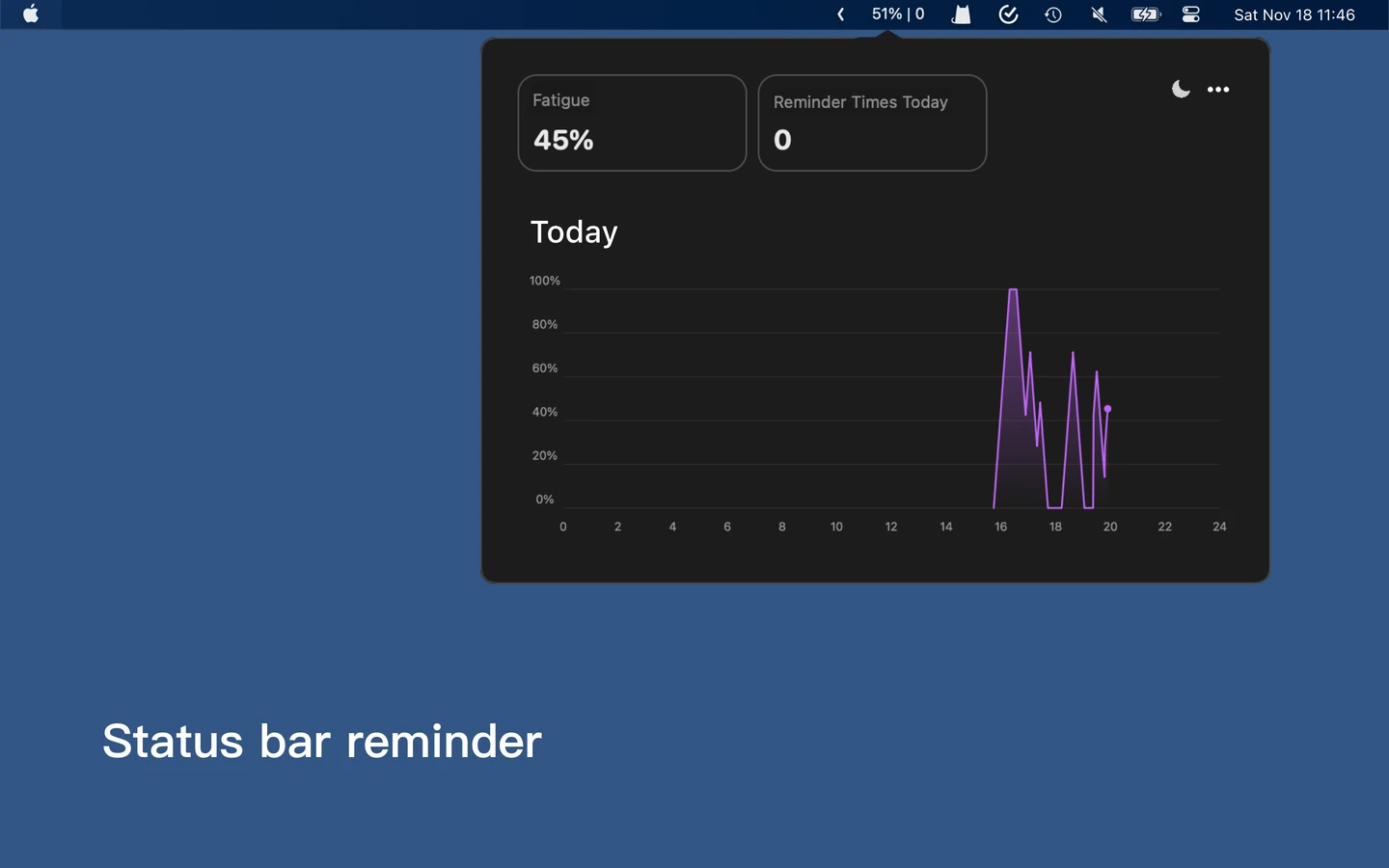
A nudge. Or a proper pause.
Choose a full-screen break, a small floating reminder or a system notification. Find the amount of interruption that works for your day.
Explore this feature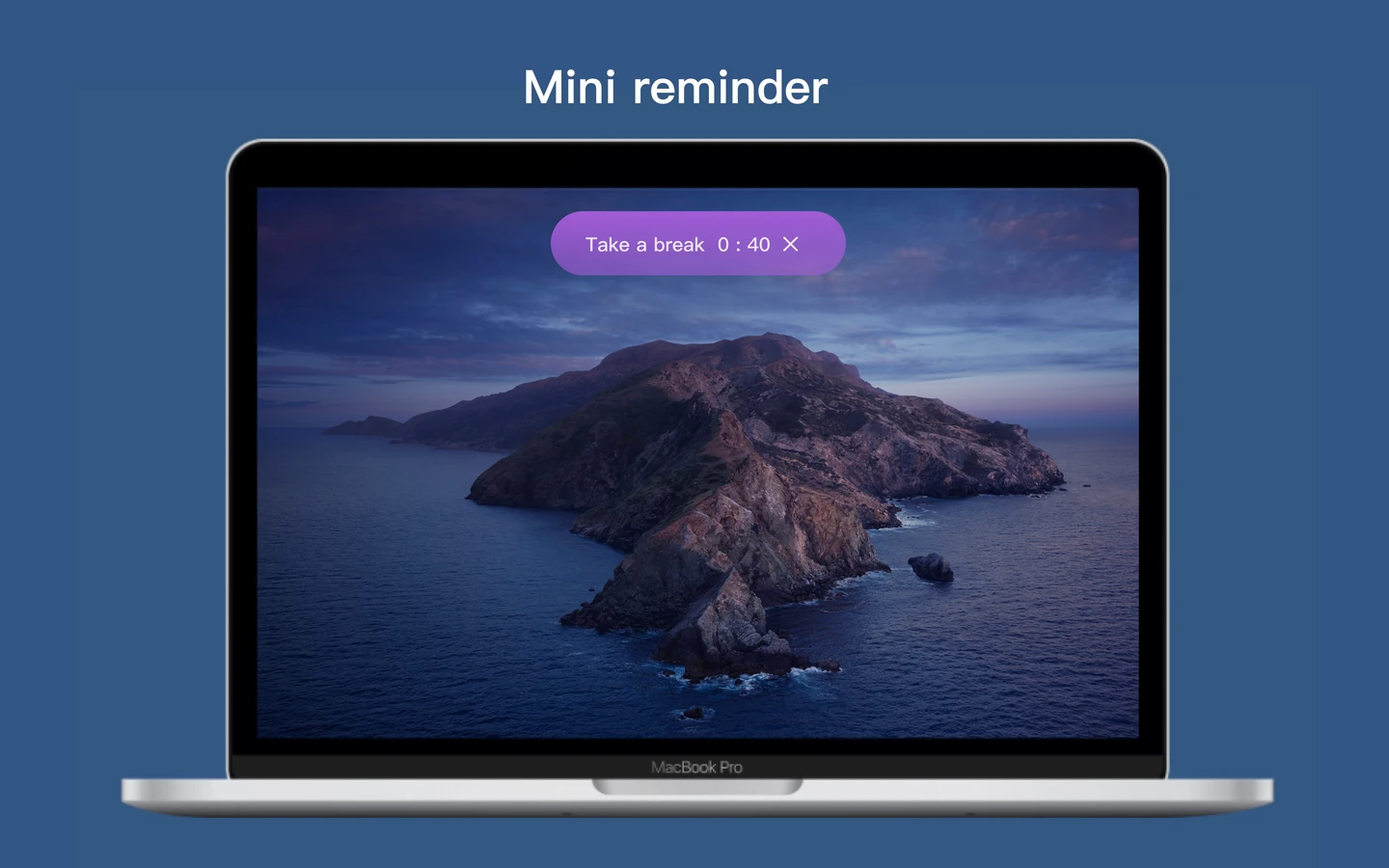
Your rhythm. Your rules.
Smart timing adapts to the way you use your Mac. Continuous timing keeps moving through reading and video. Set your work and break intervals, then let Eye Monitor handle the reminders.
Explore this feature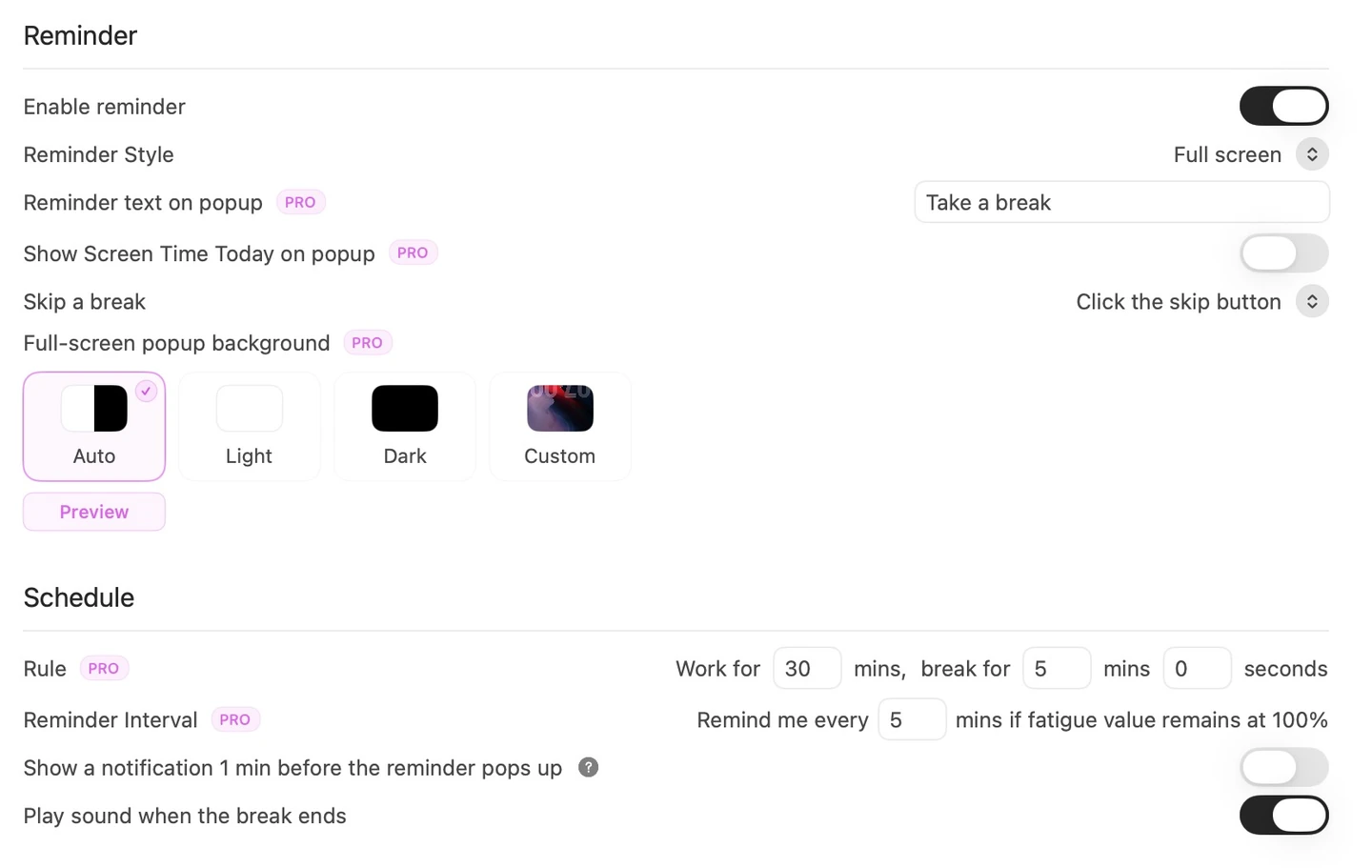
Give your break a different view.
Personalize the full-screen reminder with your own image and message. A familiar reminder can still feel like a change of scene.
Explore this feature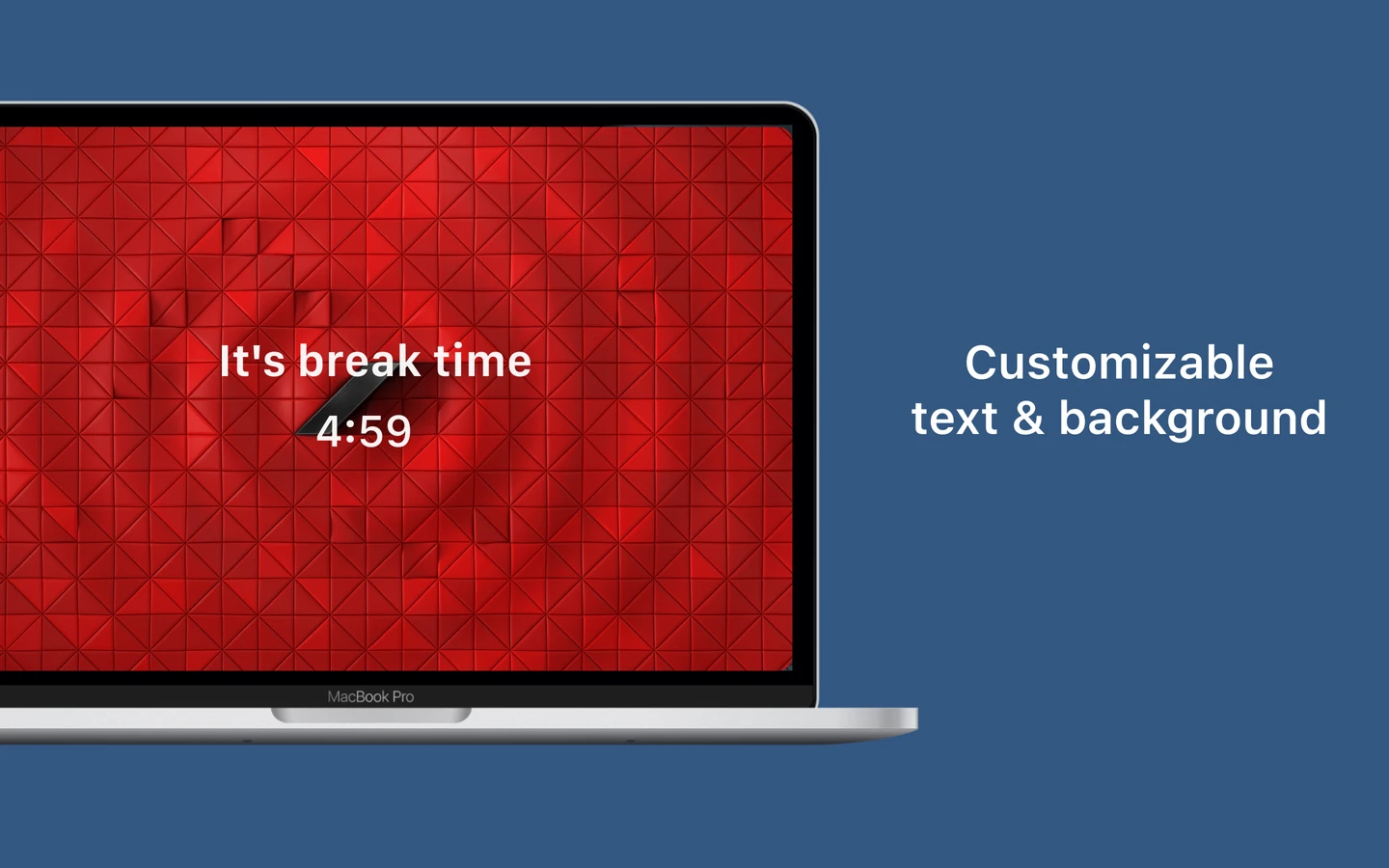
See the day you actually had.
Review screen time, fatigue peaks and completed popup breaks. Explore patterns by day, week or month, and keep your recorded data in iCloud.
Explore this feature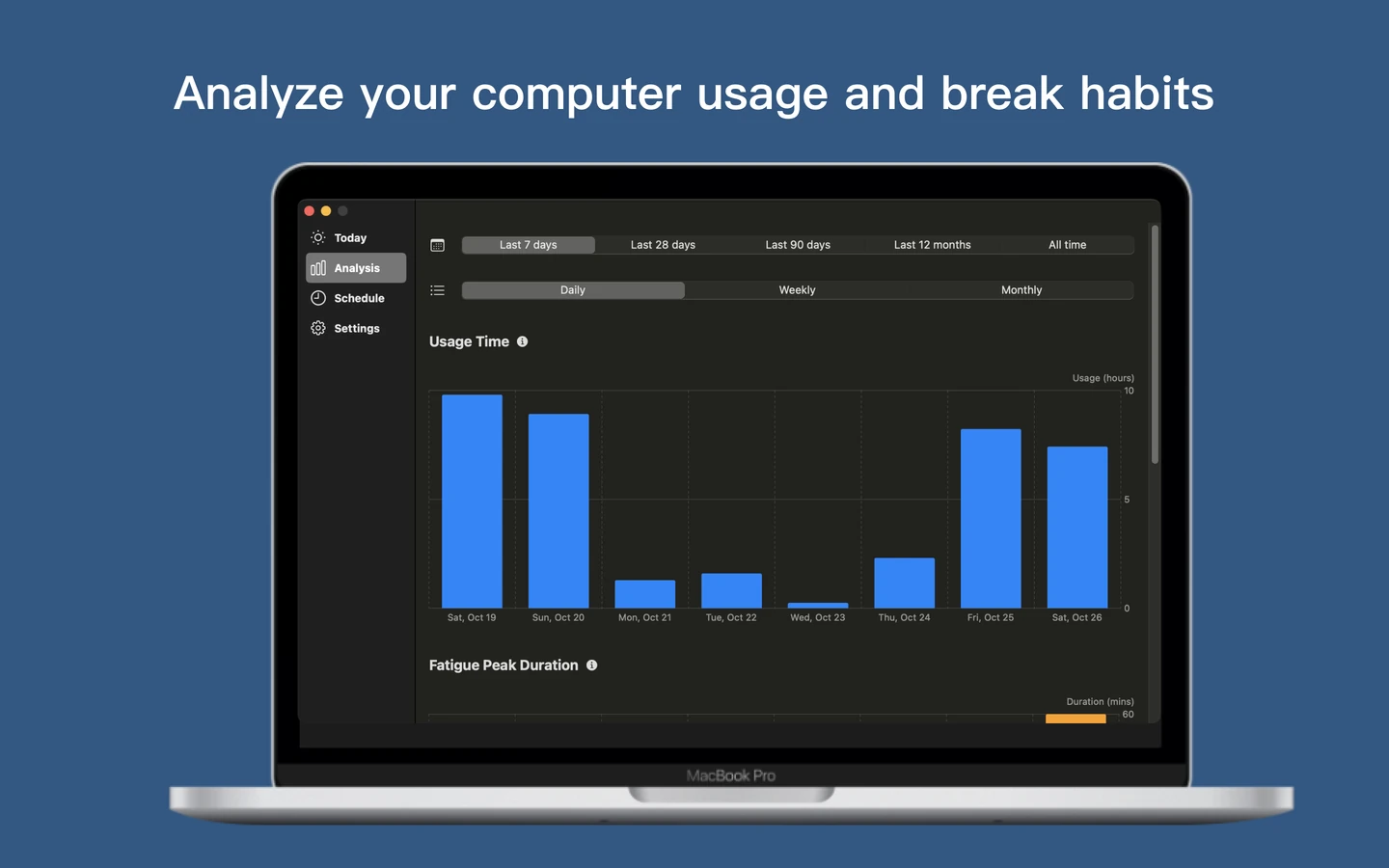
ONE BREAK. BOTH SCREENS.
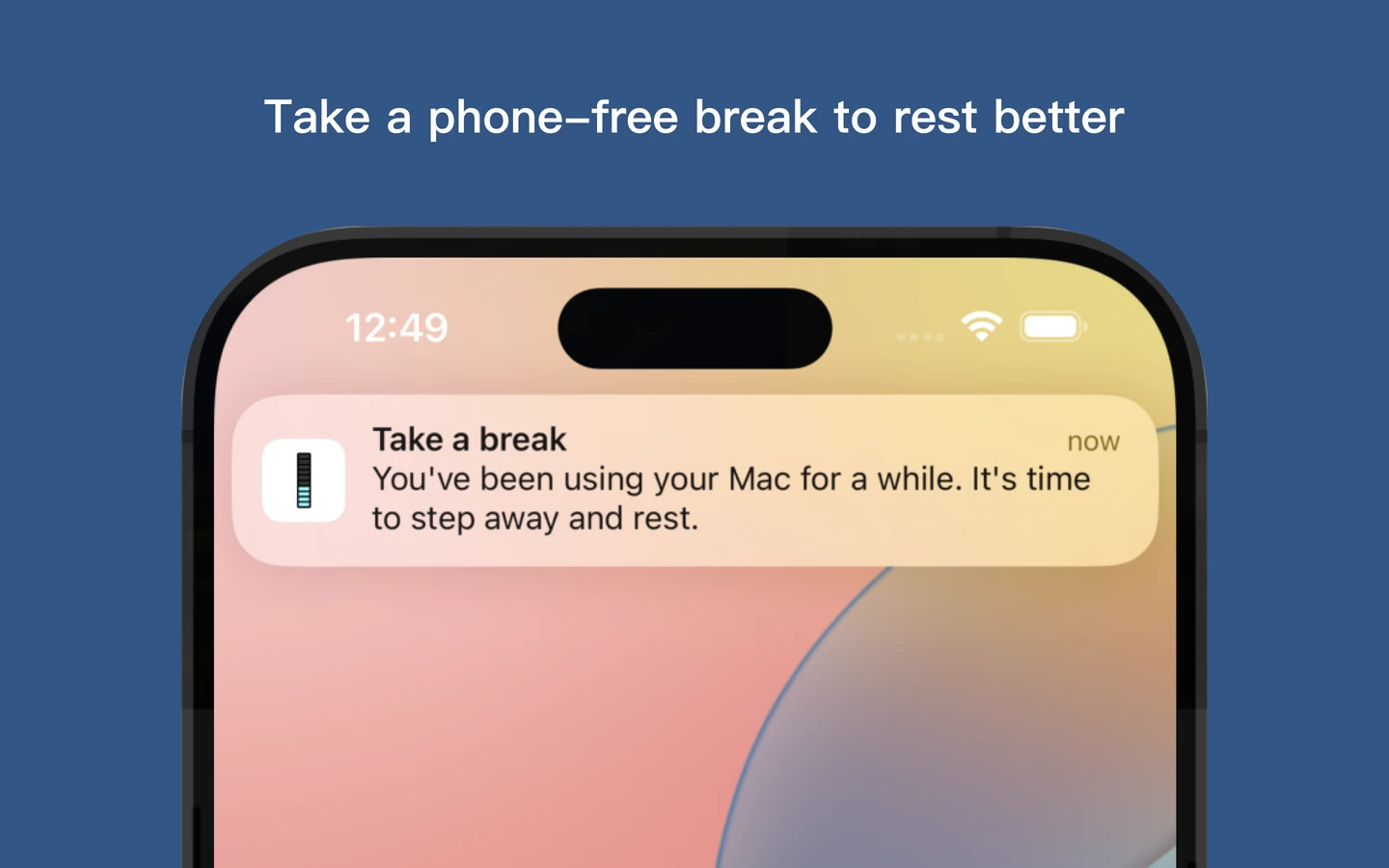
Step away from your phone, too.
When a Mac break begins, the reminder can appear on your iPhone too—so picking up another screen does not quietly end the break.
Set up iPhone remindersA few things worth reading.
View all ↗GUIDE
How to choose a Mac break reminder that fits your workday
Choose a Mac break reminder by timing behavior, reminder style, meeting controls, visible progress and useful history.
Read the story ↗GUIDE
Smart vs fixed break timing: what changes when you read quietly?
Compare activity-aware and continuous Mac break timing through writing, static reading, video and time away from the computer.
Read the story ↗GUIDE
When a Mac break turns into phone time
Make a Mac break less likely to become phone time, and let Eye Monitor’s iPhone companion keep the original reminder visible.
Read the story ↗What does the fatigue percentage mean?
It turns your Mac activity and work/rest settings into a live progress indicator, so you can see the current session building and notice when a break is approaching.
Which timing mode works for reading or video?
Choose continuous timing when you want the clock to keep moving through low-input work. Smart timing is better when you want time away from the Mac to count as rest automatically.
What does the iPhone companion do?
It carries Mac break reminders to your iPhone or iPad, keeping the original prompt visible when you move to another screen. Timing and history stay on the Mac.
Can I try Eye Monitor for free?
Yes. Download it free and start with the core reminders. Pro unlocks custom schedules and backgrounds, longer history and iPhone companion reminders.
Make your next break happen.
A little more awareness. A little less time lost in front of a screen.
Download for Mac