 Eye Monitor
Features
To address the inconvenience of manually setting and changing timers, as well as unpredictable breaks and the changing amount of time we can work continuously, I decided to write a more flexible, dynamic break reminder myself. That is how Eye Monitor came into being.
As its name suggests, Eye Monitor monitors how we use our eyes, helping us keep track of our eye-care habits and reminding us to take timely breaks.
It works in a simple way: it monitors mouse movements, trackpad use, and keyboard input on the Mac to determine whether the user is working. If the user continues interacting with the computer, the fatigue level increases. When it reaches 100% (by default, after 60 minutes of continuous work), Eye Monitor displays a push notification or a full-screen pop-up to tell the user it is time for a break. If there is no mouse activity for a minute, the fatigue level automatically decreases.
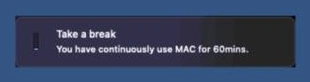
System notification
The background and text of the full-screen pop-up can be customized. I like using the background below—it really sets the mood!
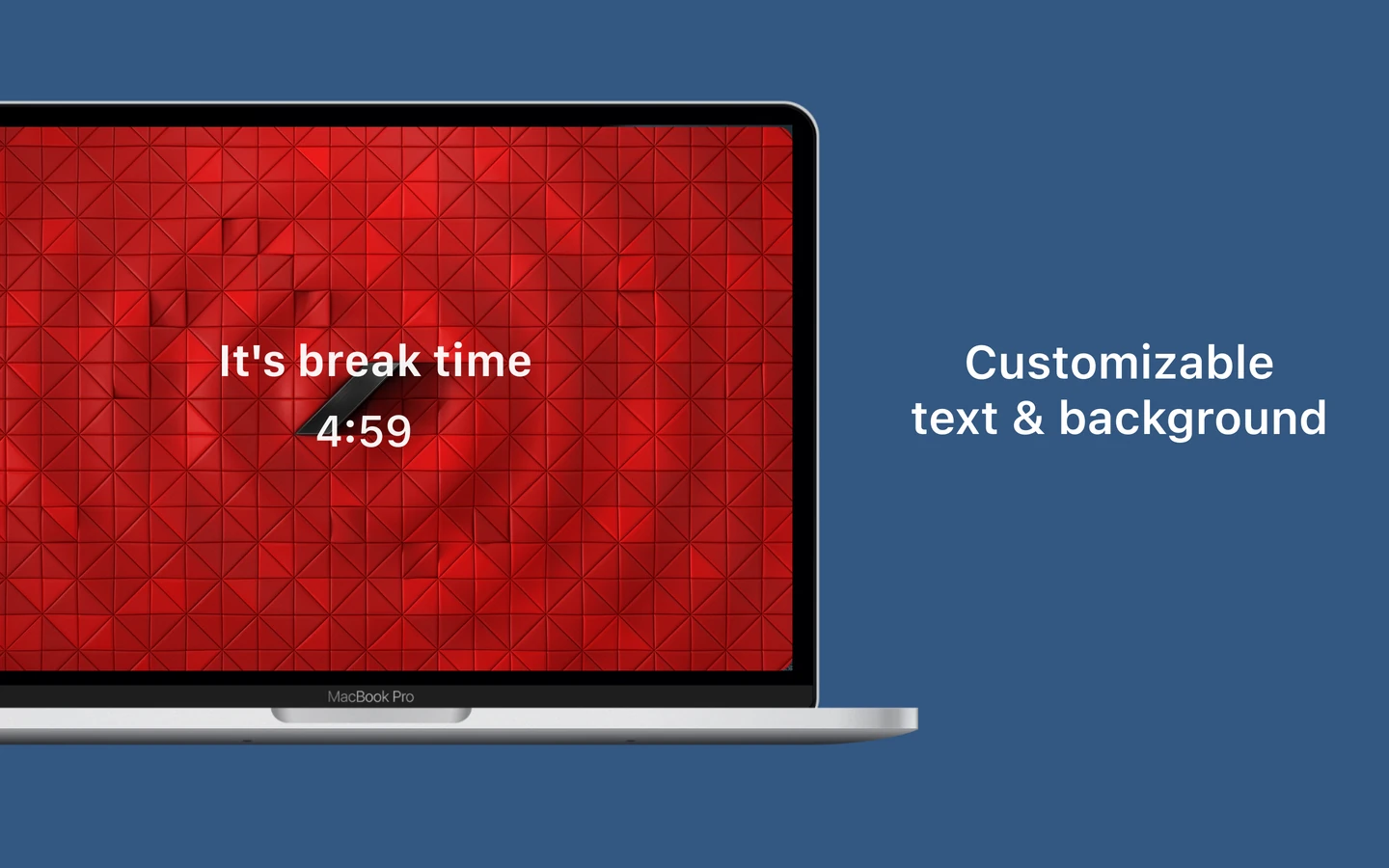
Full-screen pop-up
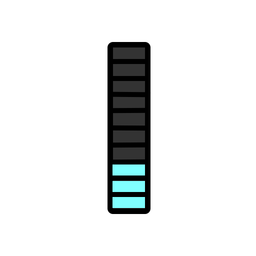
Eye Monitor can also remind you to rest through changes to its Dock icon. A quick glance at the icon’s color and fill level lets you see your current fatigue level and plan your breaks accordingly.

The Dock icon reflects your fatigue level in real time
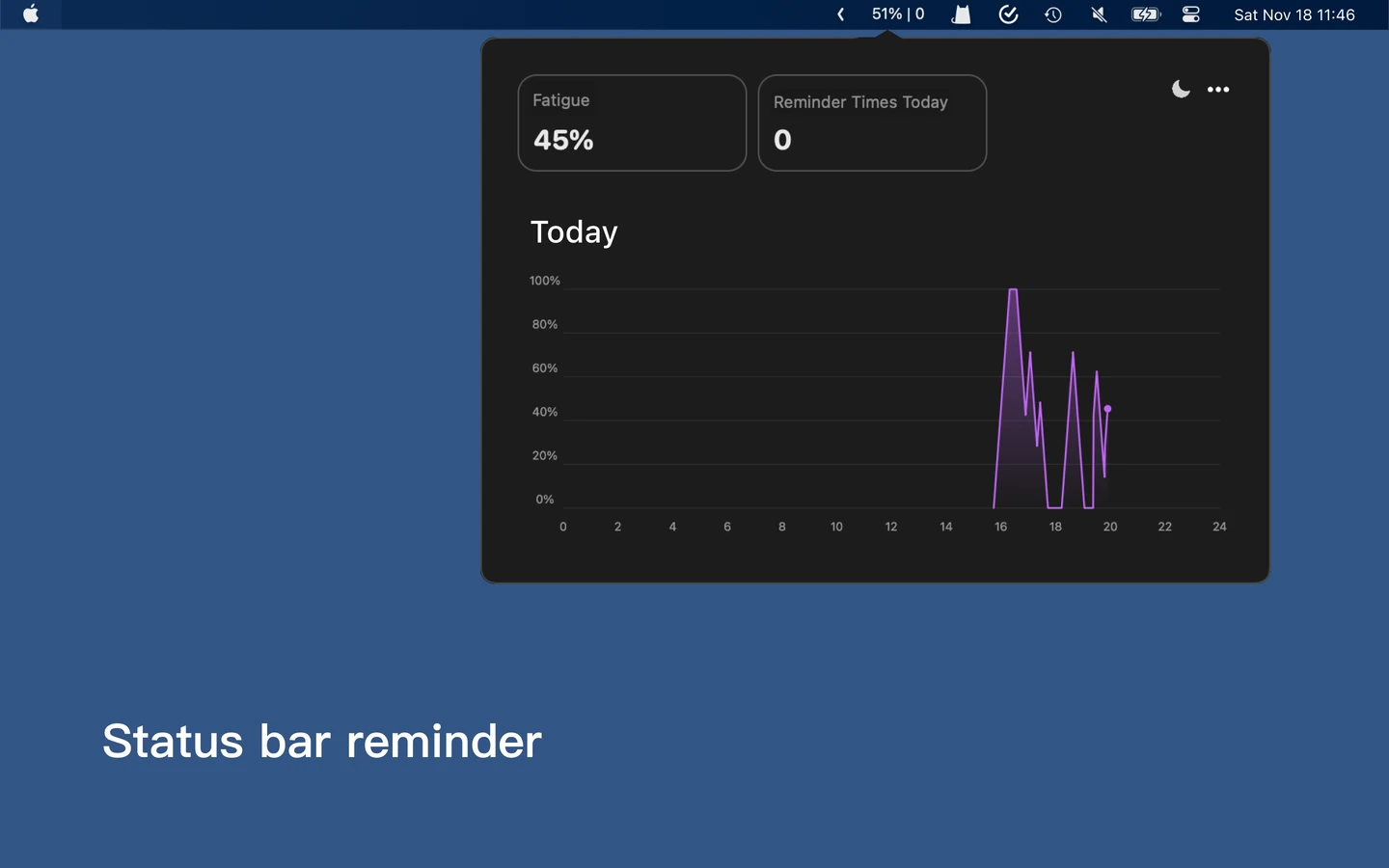
The top status bar also shows your fatigue level in real time
The fatigue threshold can also be customized. My own preference is to take a five-minute break after more than 40 minutes of continuous work. If I ignore the break reminder, it reminds me again every minute (I often dismiss reminders when I am in the middle of something, so I need that persistent nudge every minute).
Now, back to the example at the start: “After working continuously for 35 minutes, you get up for a five-minute bathroom break, then return and continue working.”
With Eye Monitor, the app icon gradually changes from blue to yellow as your working time increases. After 35 minutes of continuous work, your fatigue level reaches 87%. You then leave the computer for a five-minute bathroom break. Since you do not move the mouse during those five minutes, the fatigue level automatically falls to 0%. When you return to your computer, Eye Monitor shows that you have recovered and are ready for another period of work. The entire process requires no manual action.
Limitations
Of course, Eye Monitor has some limitations. In situations without mouse or keyboard activity, such as watching videos or watching someone else’s shared screen in a video meeting, it may incorrectly assume that you have stepped away from the computer.
You are welcome to download it from the App Store: https://apps.apple.com/app/apple-store/id1527031341?pt=121796720&ct=zhihu&mt=8
#standing,posture,neck,eye care,screen use,reminders,eye use,screen,prolonged sitting,breaks,relaxation,fatigue,lower back pain,dry eyes,health,nearsightedness,eyes,vision,timing,drink water,take a break,relax your eyes,back pain,drink water,Pomodoro,countdown,intervals,pauses
Further reading
Website edition updated