 Eye Monitor
 is an eye-use monitoring app for macOS. Without any setup, it automatically assesses user activity and reminds you to rest when you are fatigued.
Last month, I introduced Eye Monitor, an eye-use and fatigue monitoring app for macOS, on SSPAI for the first time. To my surprise, it received quite a bit of attention. I received lots of helpful feedback in the comments on SSPAI and the App Store. Thank you very much.
Fatigue Level Added to the Menu Bar
Eye Monitor released a new version this week. In last month’s comments, I found that many users did not like having too many icons in the Dock, while others had their Dock set to hide automatically. The original design, which showed a changing indicator in the Dock, therefore did not meet these users’ needs.
In the new version, Eye Monitor lets you hide its Dock icon in settings, and adds a fatigue level display and a window in the menu bar.
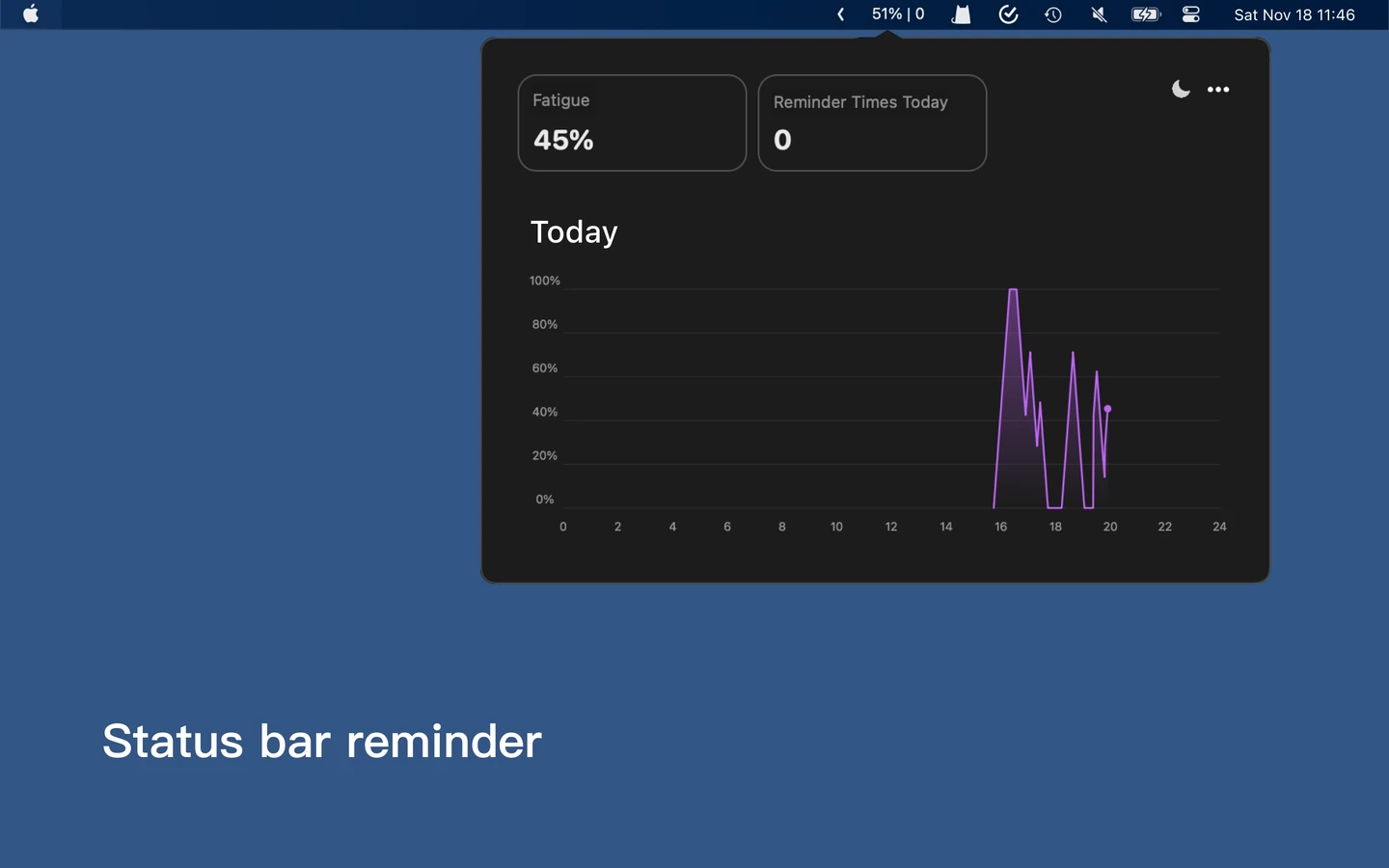
During early testing, I personally felt that displaying a percentage in the menu bar demanded a little too much attention. In practice, though, this improved noticeably after I had some time to get used to it.
Keyboard Monitoring Added
The new version can monitor the keyboard as well as the mouse and scroll wheel. After updating, simply click the “Click to Authorize” button in the main window and follow the illustrated instructions (Security & Privacy → Accessibility → Add + → click “Applications” on the left side of the file picker → choose Eye Monitor). Grant Eye Monitor permission in the “Accessibility” panel that opens, and remember to check the box. Eye Monitor can then use your keyboard activity to assess your fatigue level more accurately (Eye Monitor does not make any network connections, so there is no need to worry about privacy).

Other Improvements
Eye Monitor also sends a notification when the fatigue level reaches its peak. The new version adds a notification toggle, so you can turn reminders off as needed in certain situations (such as presenting on a shared screen. A more convenient way to temporarily disable reminders, and configurable intervals between repeated reminders, will be added later).
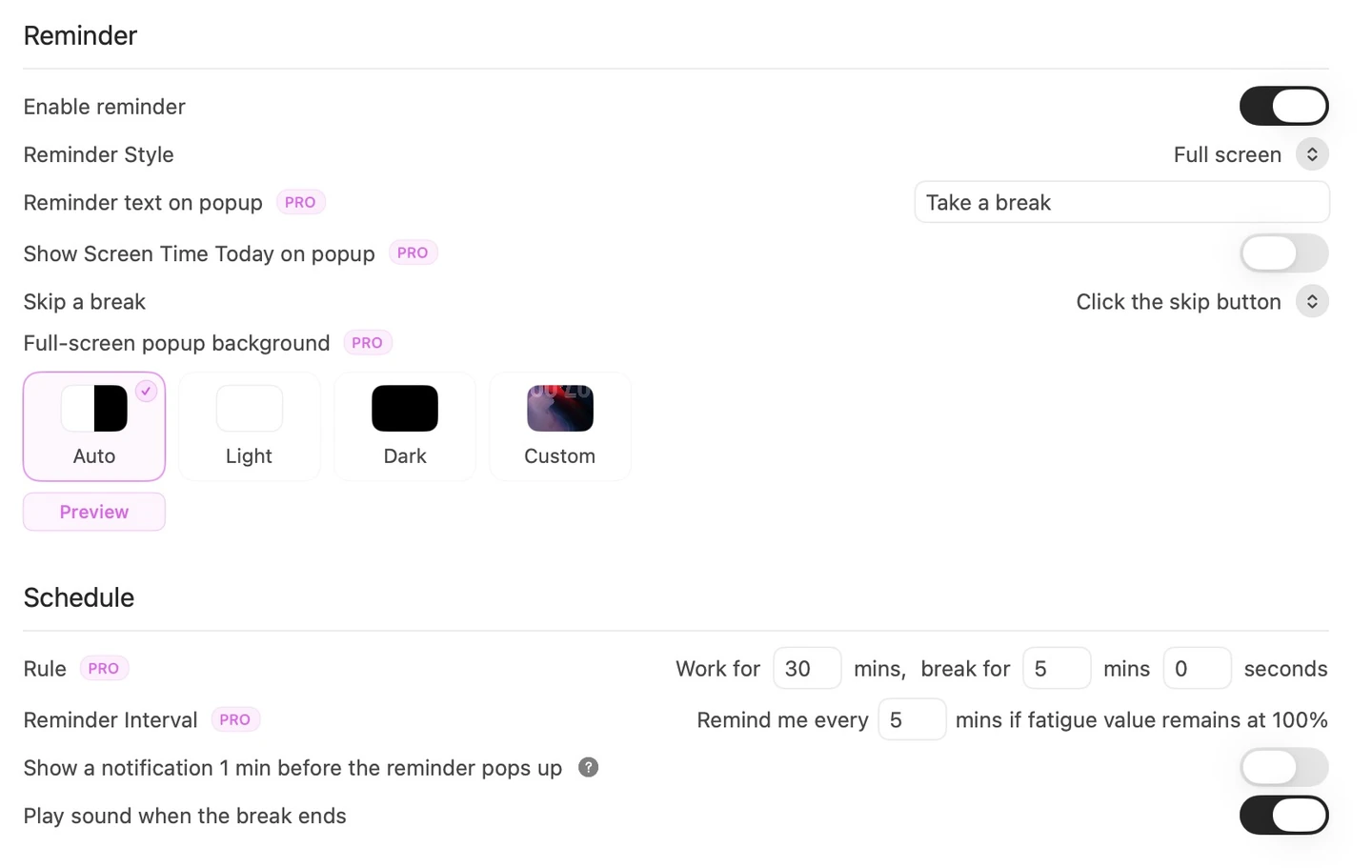
Other changes include an improved chart appearance in the main window, a setting to launch at startup, and a fix for an incorrect starting point on the line chart.
App Store (macOS) link: https://apps.apple.com/cn/app/eye-monitor/id1527031341?mt=12
The WeChat public account “原住民的自修室” records a product manager’s thoughts and reflections. You are welcome to subscribe.
Further reading
Website edition updated