 Eye Monitor
More than three years ago, as a full-time product manager and a part-time independent developer, I had just released Eye Monitor, a break reminder for macOS. Feeling nervous, I published an article on SSPAI. To my surprise, it received quite a few comments and made it onto SSPAI’s homepage.
After three years and more than 50 updates, Eye Monitor has become an app that has ranked number one in the Health category of the App Store in more than 15 countries.
The idea for Eye Monitor came from my own experience as a product manager. I would often work at my computer for three or four hours without stopping. At one point, the long hours of screen use and sitting led to a noticeable decline in my eyesight and an aching lower back.
At times like that, I would think back to being a child, absorbed in playing FIFA in the study, and my mother coming in every so often to remind me to take a break.
I wanted an app that could remind me to rest after I had worked for a long time. It also needed to be automatic, because I believe a good app should be just as one Eye Monitor user described it: “This just works.”

And so Eye Monitor was born: it automatically determines whether you are using your computer from your mouse movements and keyboard use on your Mac, then displays a pop-up reminding you to rest after extended use.
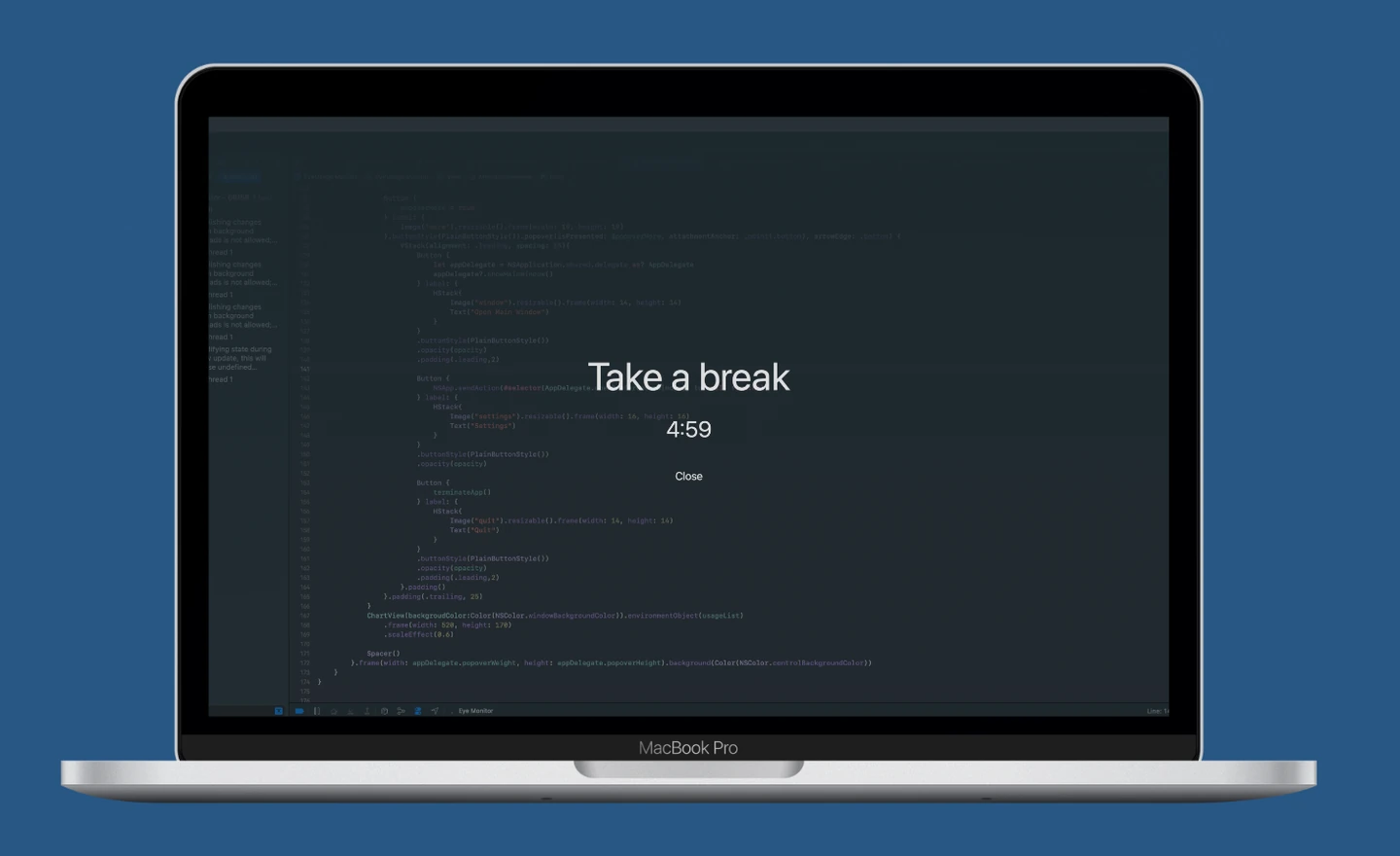
Over these three years, Eye Monitor has quietly gone through at least 50 iterations. Today, I would like to share four of my favorite features beyond the basics:
1. Reports
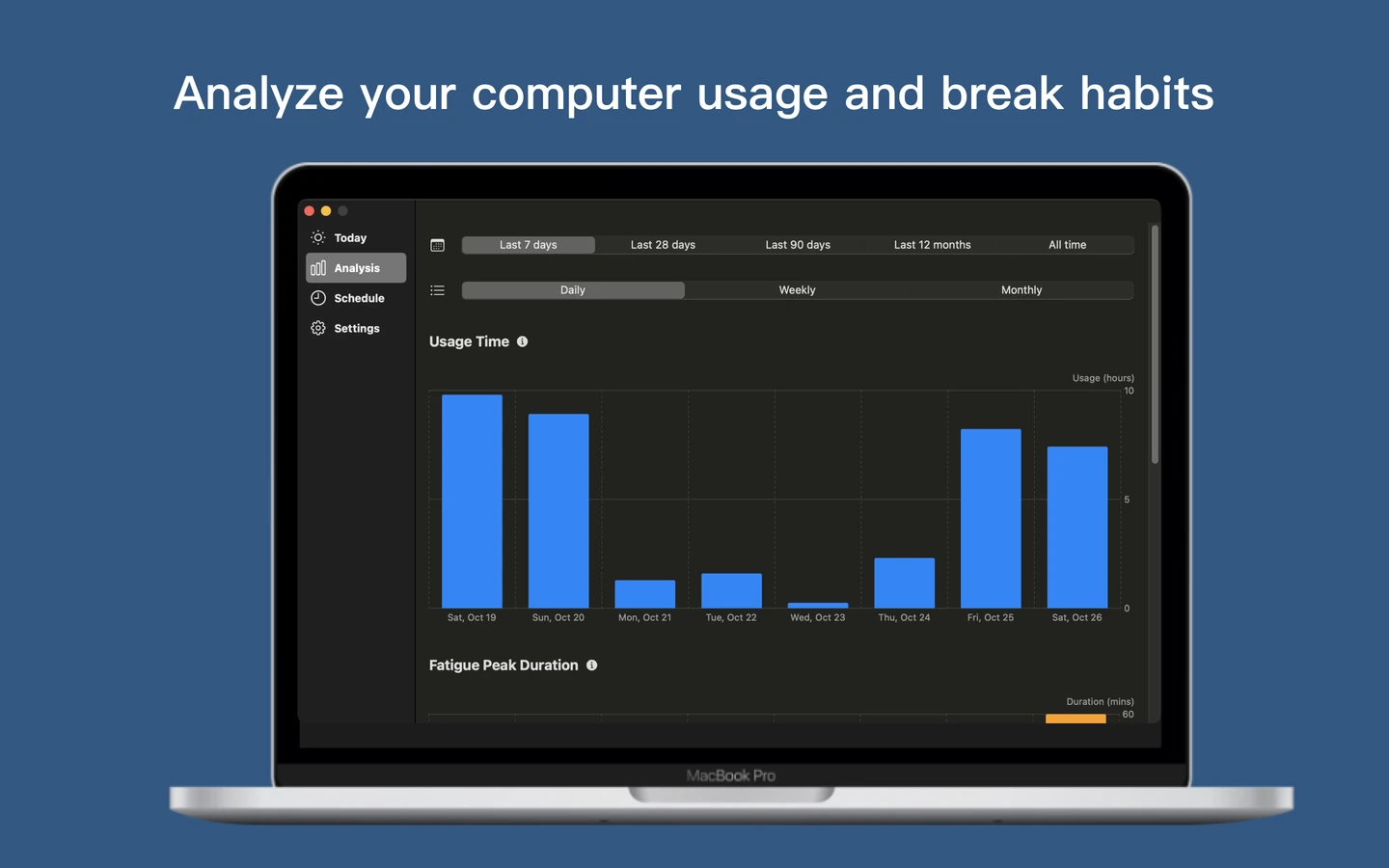
Data analysis was the feature users requested most often when the product first launched.
Eye Monitor provides three reports: “Usage Time,” “Peak Fatigue Time,” and “Break Completion Rate.”
These three reports are intended to help users 1. keep their total daily computer time under control as much as possible (on December 15 in the screenshot, I actually used my computer for 12 hours); 2. spend less time continuing to use the computer when they need a break; and 3. complete a break when the reminder appears, instead of skipping it.
I have found that when my eyes feel uncomfortable on a particular day, looking at the data often reveals that my “Peak Fatigue Time” has stayed high over the previous week. So I try to reduce that discomfort by keeping “Peak Fatigue Time” under control. If it was too high the day before, I reduce my screen use the following day.
The report data can also be downloaded as CSV files, including all historical data. All report data supports automatic cloud backup and syncing across devices through iCloud.
2. Custom Wallpapers
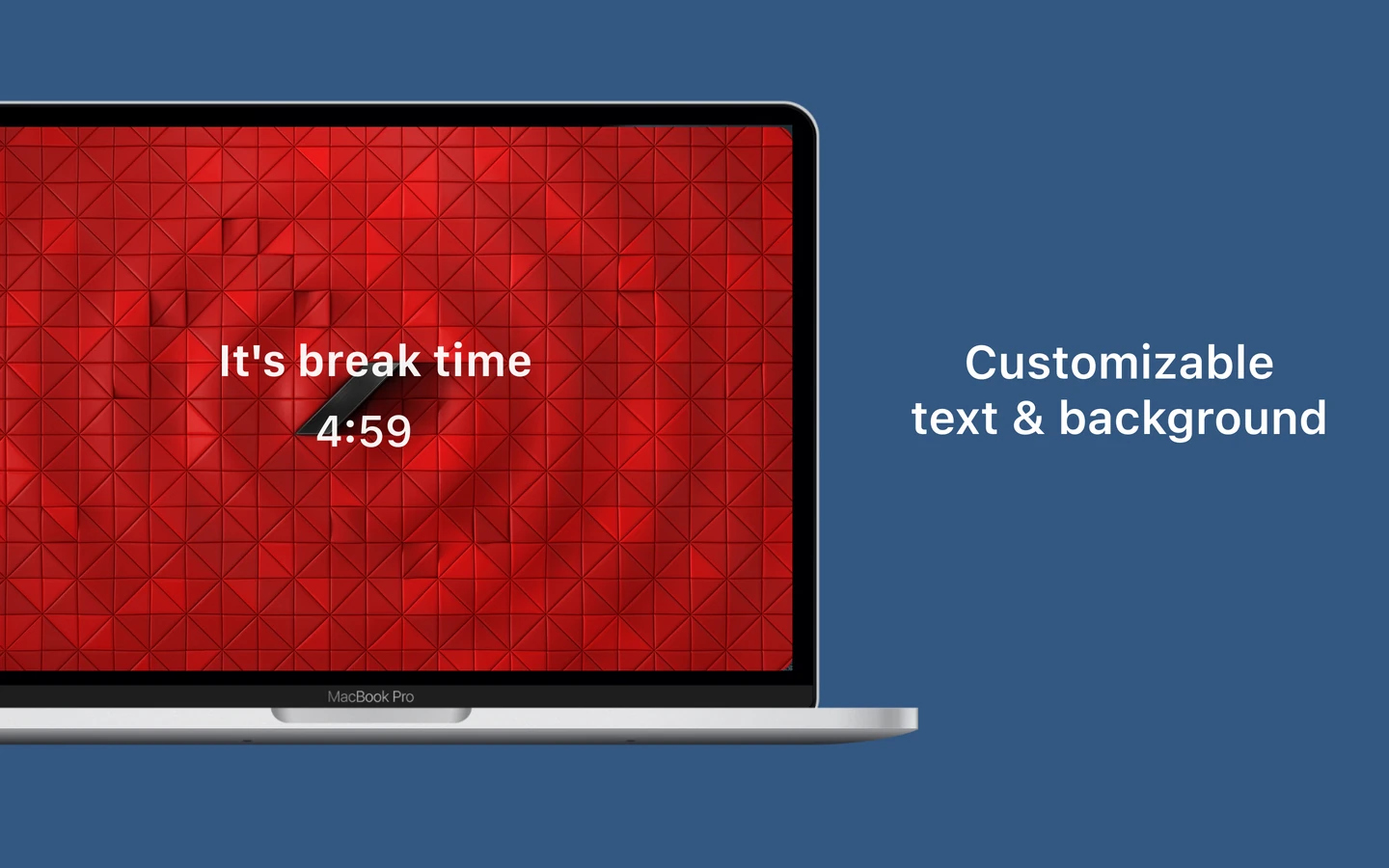
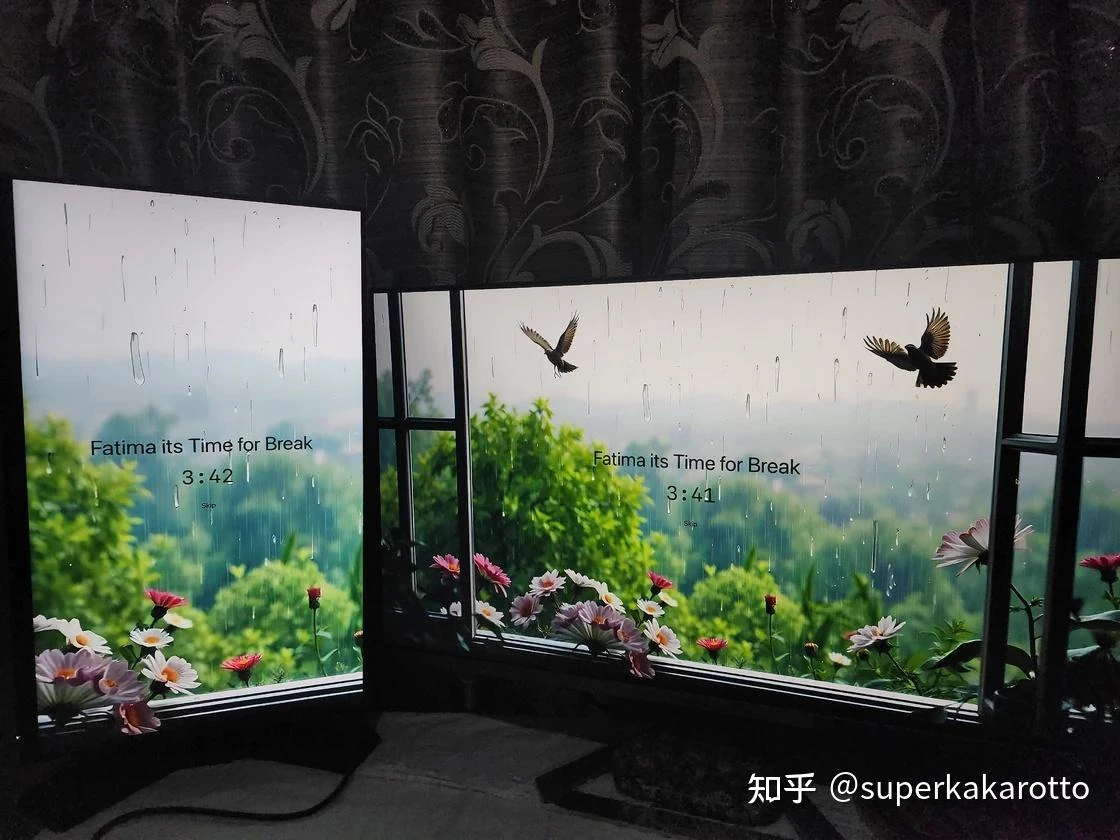
Looks matter. A pop-up that reminds you to rest every day should look good, too. Eye Monitor lets you customize the wallpaper and text of its full-screen reminder. Here is a wallpaper I like to use:
Below is a lovely wallpaper that an Eye Monitor user overseas shared with me:
3. iOS Reminders
After developing the macOS version of Eye Monitor, I found myself frequently caught in the awkward situation of taking a “fake break”: while the full-screen pop-up on my Mac effectively stopped me from continuing to use the computer, it could not stop me from using my phone.
Eye Monitor users had the same problem, and some even asked me to develop an iOS version. Unfortunately, iOS restrictions mean an iOS app cannot determine whether someone is using their phone (there are some tricky ways to implement this, but they significantly increase power consumption).
As a compromise, I decided to develop an iOS version that could receive reminders from the Mac. When a full-screen reminder appears after prolonged use of the Mac, it also sends a break reminder to the phone. That way, when users reach for their phone and see the reminder, they might think better of it.
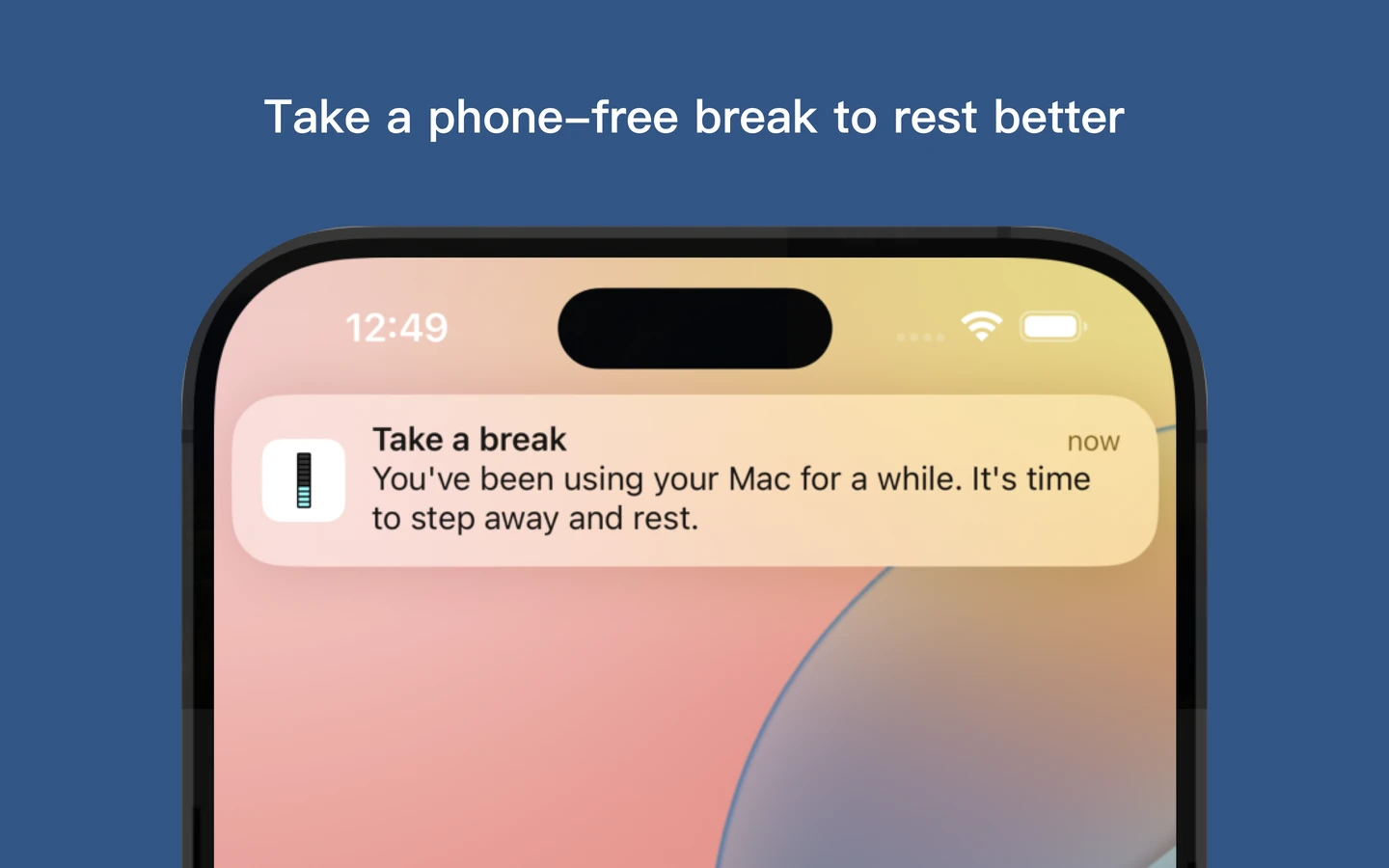
The iOS version became available on the App Store last week. Signing in with the same Apple ID in the macOS and iOS versions is all it takes to link the notifications.
4. Different Reminder Options
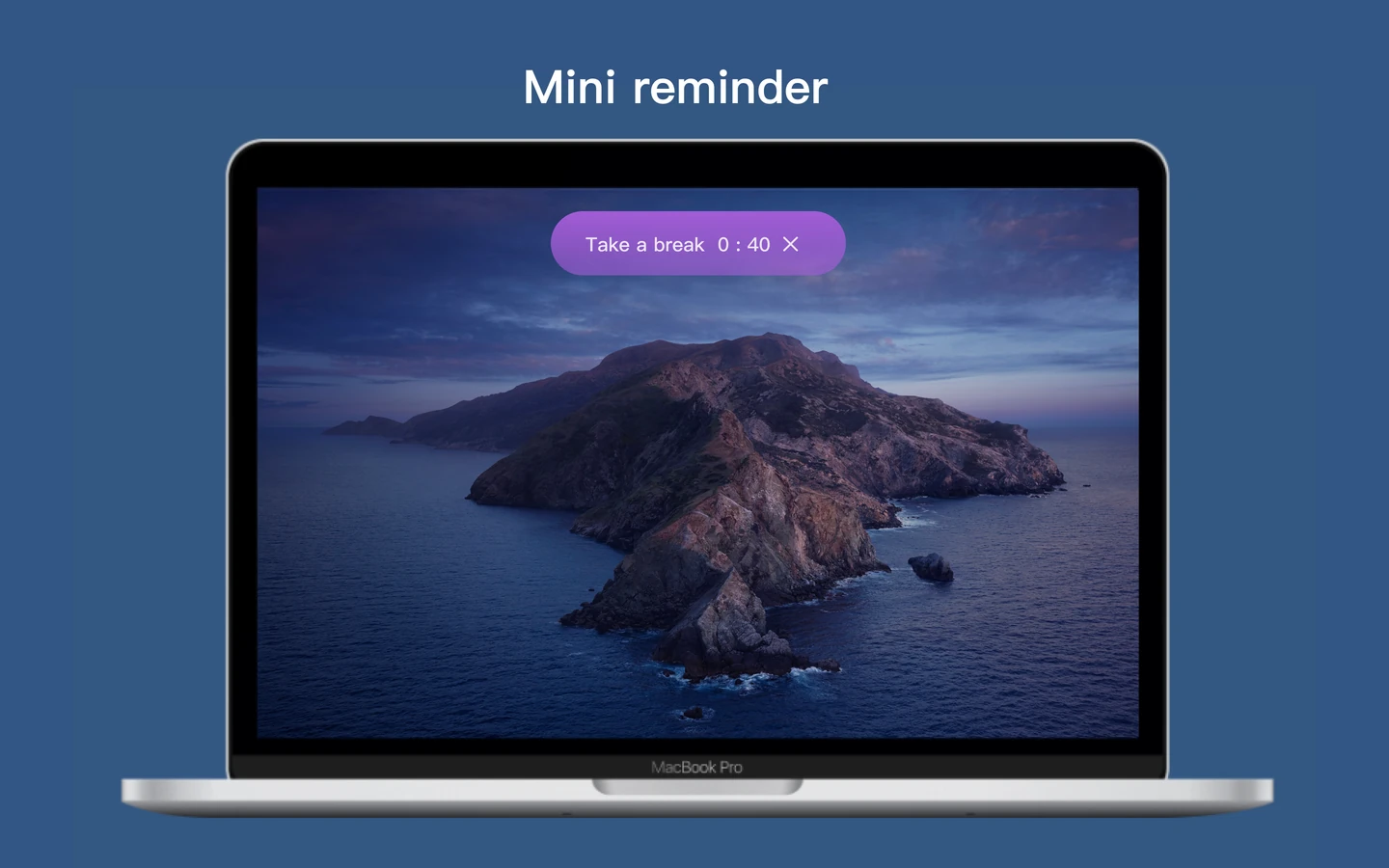
Full-screen reminders are not necessarily right for everyone. Some office workers, for example, told me they would rather not have a full-screen break reminder appear at work, because it might look inappropriate to colleagues or managers. Eye Monitor therefore offers several alternatives:
- A Mini pop-up that is noticeable without being too noticeable
-
System notifications
-
Fatigue level and usage time displayed in the status bar
-
A Dock icon that changes with your fatigue level
Some Thoughts
1. Mac Apps Are a Niche Market, and Mac Health Apps Are an Even Smaller One
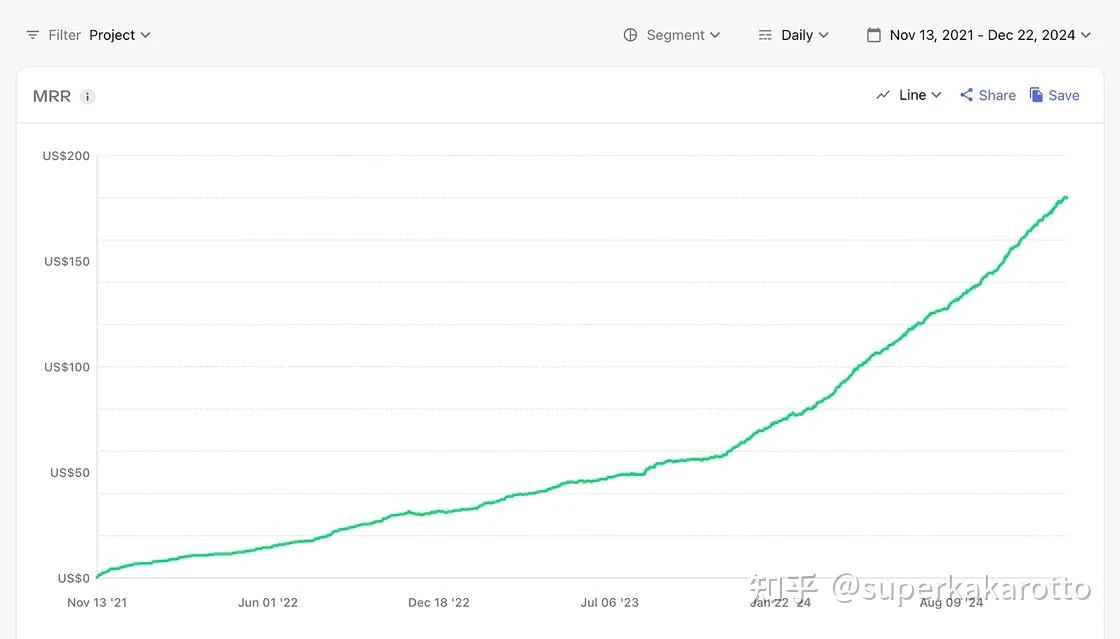
Despite being an app that has ranked number one for downloads and revenue in the Mac App Store in multiple countries, Eye Monitor gains only 700 new users a month, and its MRR (Monthly Recurring Revenue) is just $180 at the time of writing. So if you are hoping to achieve a substantial increase in income by developing a Mac health app, I suggest reconsidering that idea.
2. The Sense of Purpose in Developing a Health App
Along this journey, I have felt a sense of purpose in developing a health app. Although Eye Monitor brings in much less revenue than the productivity apps I have developed, it gives me a greater sense of purpose. This is especially true when users write to me by email. Through their email addresses, signatures, and our conversations, I have learned that some are students at the country’s top universities, some work for major internet companies, and some are founders of AI startups. My app is helping all these different people work in a healthier way, and that feels deeply meaningful to me.
3. Each of Us Is Primarily Responsible for Our Own Health
Good health is the foundation of everything we do. As children, we had reminders from our parents, school breaks, PE classes, and eye exercises. As adults, we become the people primarily responsible for our own health.
Health is like air: having it does not directly bring you joy, but losing it will certainly cause you pain. Having lived with plantar fasciitis for two years, I know this all too well.
From an economic perspective, the short-term gains from overworking your body may not outweigh the cost of a long recovery and a reduced quality of life.
Tsinghua University has a slogan: “Work in good health for fifty years.” I hope we can encourage one another with that thought.
Further reading
Website edition updated